Claude Code and Codex in the MacBook notch: limits, replies and requests
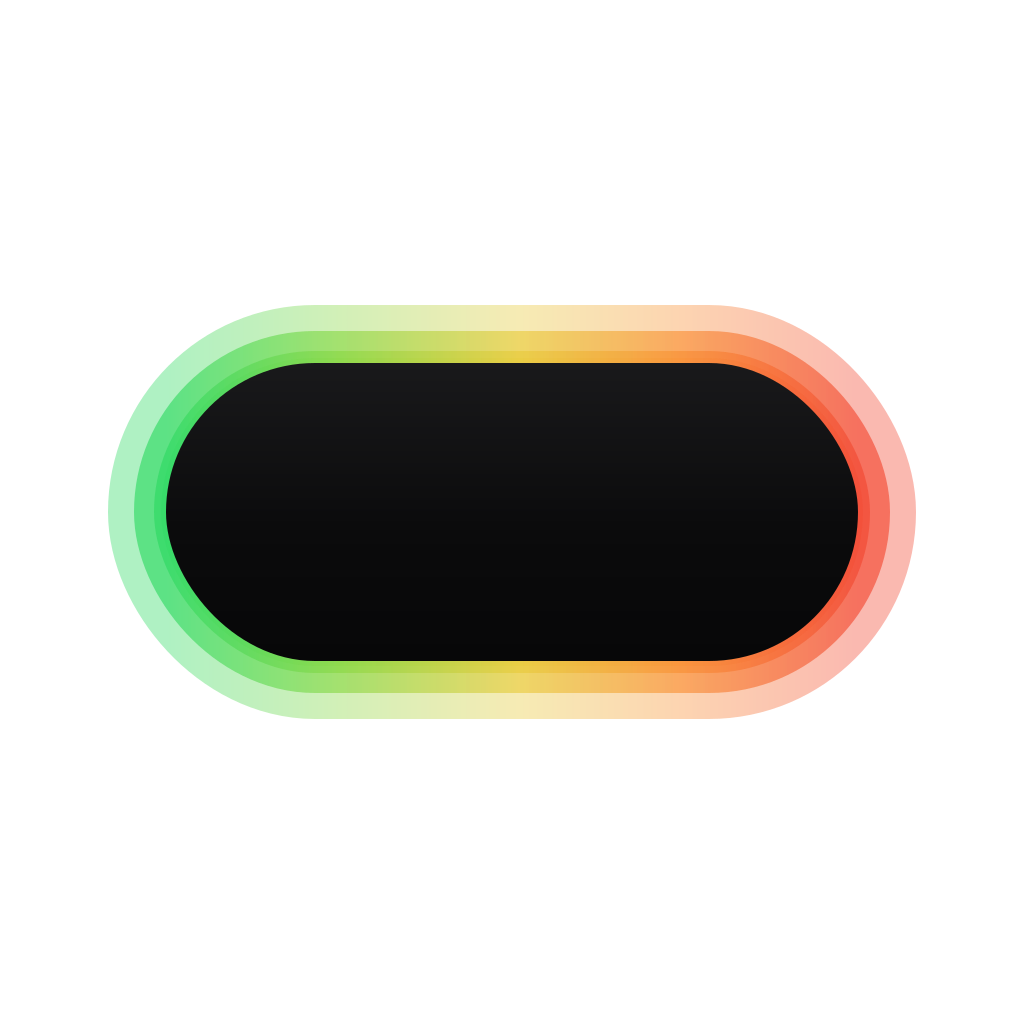
Agent HUD puts Claude Code and Codex at the MacBook notch. A glow around the notch shows how much of each limit is used, and replies and permission requests open out of it. The notch is one place for it: the same HUD sits on any screen edge, and on a Mac without a notch.
Updated 2026-11-21
What you see at the notch
| When | At the notch |
|---|---|
| At rest | A glow around the notch, one colour for each agent with a limit |
| You hover | A panel with each limit and its reset, balances, the last 24 hours of tokens, and your sessions |
| An agent finishes a turn | A reminder with the reply, and Return to session |
| An agent asks for permission | A card with the command, file or change, and your answers |
| A limit runs low or resets | A reminder, and the glow flashes in its colour |

The glow shows your limits
Each agent with a limit gets one colour, taken from its most used window: green under 70% used, yellow from 70%, red from 90%. So a Claude Code session limit at 92% turns its part of the glow red while Codex stays green.
The glow also tells you whether anything is running. It completes a cycle every 3 seconds while an agent works and every 7 seconds when all are idle. With no reading to show, it is grey and still.
How to check Claude Code usage and remaining limitsHow to check Codex usage limits and reset times
Replies and requests open out of the notch
When Claude Code or Codex finishes a turn, the reply opens out of the notch and closes after 4 seconds, or stays while your pointer is on it. Return to session takes you to that session's window.
When an agent needs permission to run a command or change a file, the request opens at the notch with the command, file or change in view. You answer there with Allow once or Deny, and with Always allow when the agent offers a lasting rule. A request stays until you answer it.
Agent HUD plays no sound and posts nothing to macOS Notification Center. These reminders are drawn on the HUD.

Approve Claude Code and Codex permission requests on Mac and WindowsClaude Code and Codex notifications on Mac and Windows: replies and quota alerts
Set it up
- Download Agent HUD and open it. On a MacBook with a notch, the HUD starts in Notch mode.
- Keep using Claude Code and Codex as before. The glow takes its colours when the first limit readings arrive.
- To answer permission requests at the notch, add Agent HUD's hooks to the agent. The approvals guide above has the steps.
- To change the mode later, open Settings → Display, and in the HUD section choose Notch or Simple next to Mode.
No notch, or an external display
A notch is not required. On a display without one, Notch mode draws a bar at the top centre and works the same way. The other mode, Simple, is a small row of agent logos on any screen edge, each in a ring of its most used limit.
Each display keeps its own mode, so a MacBook can use the notch while the monitor beside it shows Simple on its left edge. Dragging the HUD away from the notch turns that display to Simple.
When you want the notch quiet
Hide notch glow in the menu bar menu, or ⌥⌘H from anywhere, hides the glow and the reminders until you show them again. Permission requests still appear.
Questions
Is there a Mac app that shows Claude Code in the MacBook notch?
Yes. Agent HUD shows Claude Code and Codex at the notch: a glow coloured by how much of each limit is used, replies when a turn ends, and permission requests you can answer there.
Can I see my Codex usage limits in the notch?
Yes. Codex gets its own colour in the glow, green under 70% used, yellow from 70% and red from 90%. Hover the notch and the panel lists each Codex limit with its reset time.
Is this a Dynamic Island for the Mac?
It works much like one: the notch opens to show a reply or a request and closes again. Dynamic Island itself is an iPhone feature. With Agent HUD Remote, your running sessions also show in the iPhone's Dynamic Island and on the Lock Screen as Live Activities.
Do I need a MacBook with a notch?
No. On a display without a notch, Notch mode draws a bar at the top centre, and Simple mode sits on any edge of any display.
Does it work with agents other than Claude Code and Codex?
Yes. Agent HUD reads 27 coding agents, among them Antigravity, DeepSeek Harness, Pi and OpenCode. Each agent with a limit gets its own colour in the glow.