Appearance
Set each display's look: light or dark, transparency, sizes, the glow, what the panel shows, and the menu bar icon.
Settings → Display sets how the HUD looks. Most settings belong to one display: with more than one, pick it in the Display menu at the top. Changes apply at once.
Look
| Setting | Choices | Default |
|---|---|---|
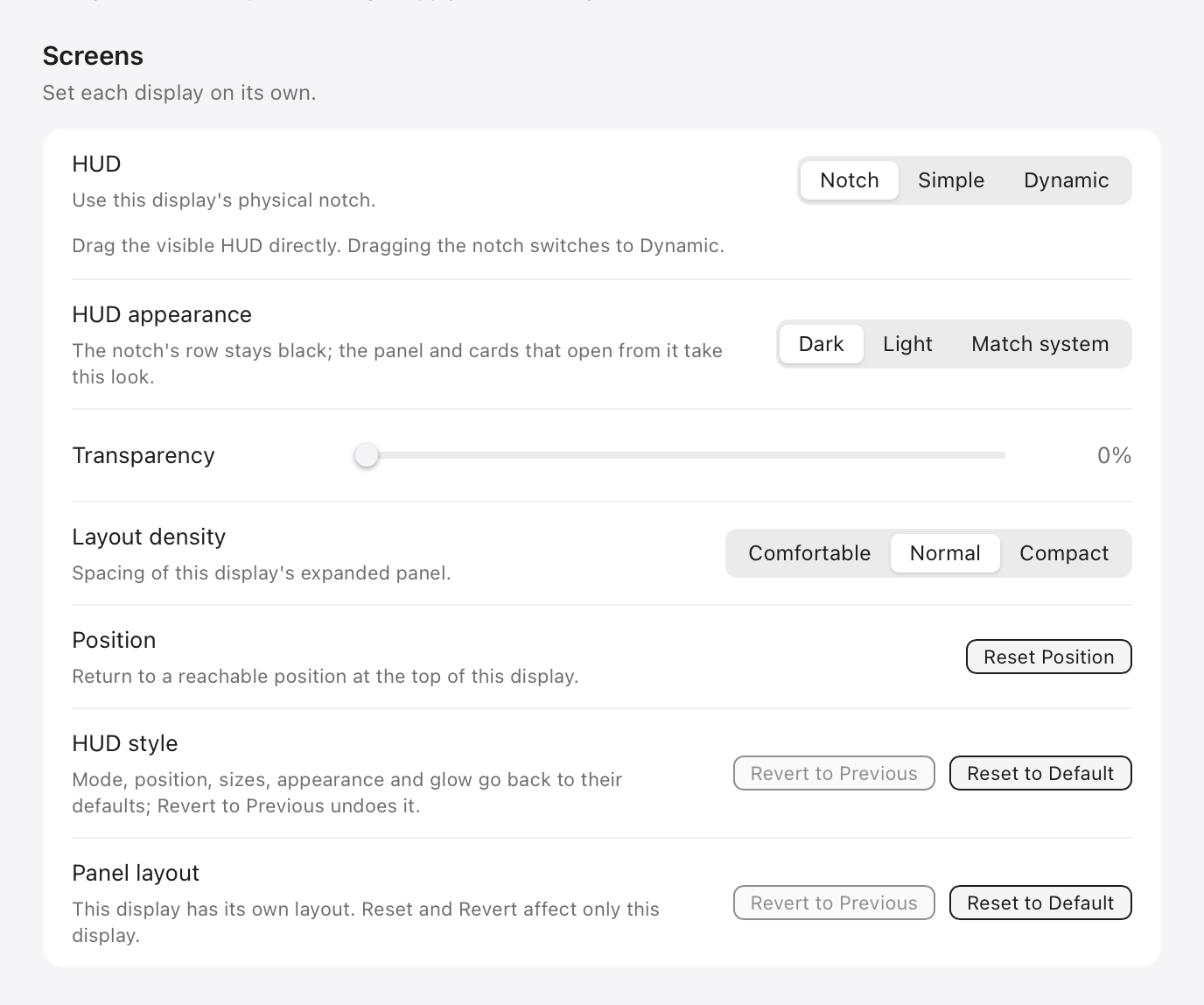
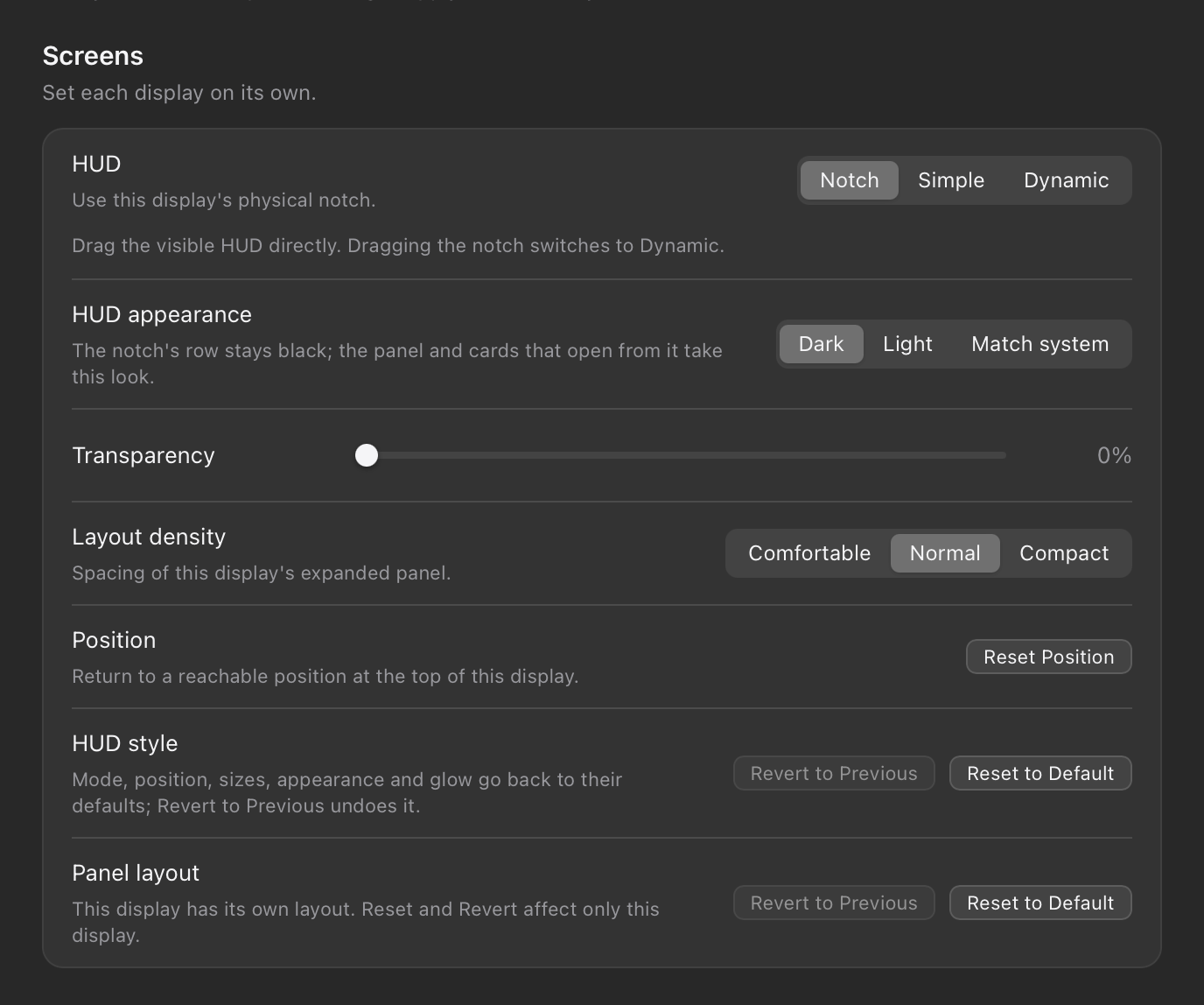
| HUD appearance | Dark, Light or Match system | Dark |
| Transparency | 0–100% | 0% |
| Layout density | Spacing in the open panel: Comfortable, Normal or Compact | Normal |
In Notch mode at a hardware notch, the notch's row stays black; the panel and cards that open from it take the look you choose.
The windows of the app, Settings and Statistics, follow Settings → General → Appearance instead: System, Light or Dark. Match screen there, marked experimental, makes a window take the look of its display's HUD. Language on the same page switches the app between English and Chinese, or follows the system.
Size
In Dynamic mode:
| Setting | Range | Default |
|---|---|---|
| Logo size | 20–60 pt | 20 pt |
| Logo edge distance | 0–20 pt | 2 pt |
| Logo spacing | 0.1–0.6 of the logo size, shown in points | 0.4 |
| Show logos | Off leaves only the backdrop, in the space the logos took | On |
In Simple mode:
| Setting | Range | Default |
|---|---|---|
| Size | 20–60 pt | 22 pt |
| Logo spacing | 0.1–0.6 of the size, shown in points | 0.45 |
| Show rings | Each agent's most used quota window as a ring round its logo | On |
| Ring thickness | 1–4 pt | 1.5 pt |
| Show numbers | The quota percentage beside each logo | On |
Glow


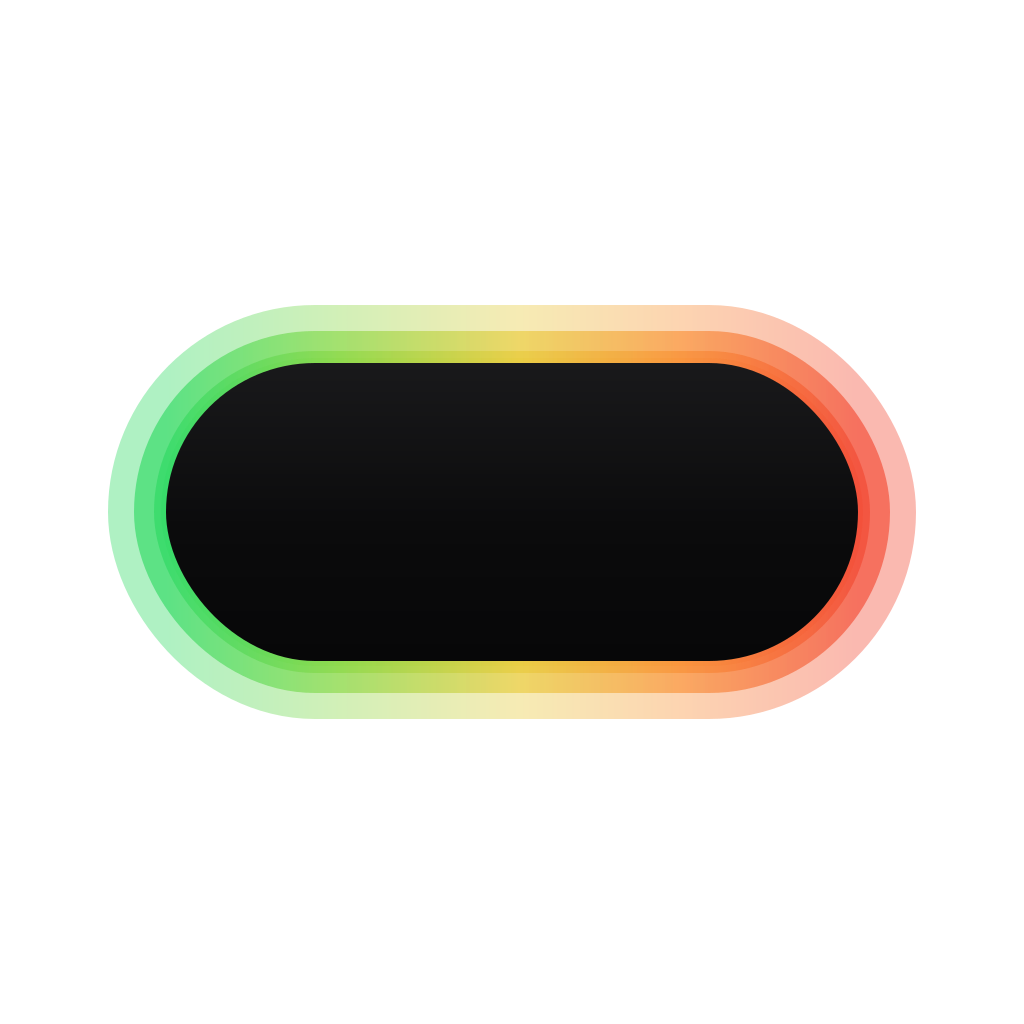
The section is called Notch glow in Notch mode and Backdrop glow in Dynamic mode. Simple mode has no glow, so the section is not shown there. A preview above the settings plays the effect you choose.
| Setting | Choices | Default |
|---|---|---|
| Glow style | Soft, Dots, ASCII, Blocks, Braille, Binary | Soft |
| Effect | Breathe, Flow, Scan, Ripple, Shimmer, Boot | Breathe |
| Brightness | 20–100% | 90% |
| Glow range (Soft only) | 0–36 px | 14 px |
| Feather (Soft only) | 0–36 px | 8 px |
| Outward only (Soft only) | Keeps the rim defined and fades outward | On |
| Grid pitch (other styles) | 4–12 pt | 10 pt |
| Density (other styles) | 50–150% | 100% |
| Solid (other styles) | Rows at full strength, 0–8 | 0 |
| Fade (other styles) | Rows it fades over, 0–8 | 5 |
| Working period | One cycle while an agent runs, 1–12 s | 3 s |
| Idle period | One cycle while all agents are idle, 1–24 s | 7 s |
| Breath depth (Breathe only) | 0–100% | 60% |
The glow's colours always follow quota use: see Glow and panel.
Panel contents
Under Expanded panel, for the display you picked:
- Session list, Quota details and Token usage show or hide those parts. Reset countdown shows the time until each window resets.
- The arrows below change the order of the parts and of the agents' blocks. A hidden part keeps its place.
Logos and menu bar
These apply to every display.
- Bot logos: working agents stay bots, and idle logos become bots now and then for a few seconds. Bots also appear on hover, for approvals and for replies. On by default.
- Show menu bar icon: quick access to usage, refresh and Settings. On by default.
Reset or undo
| Row | Buttons |
|---|---|
| Position | Reset Position brings the HUD back to the top of this display. |
| HUD style | Reset to Default returns mode, position, sizes, appearance and glow to their defaults. Revert to Previous undoes it. |
| Panel layout | Reset to Default and Revert to Previous for this display's panel layout only. |
Let an agent arrange it
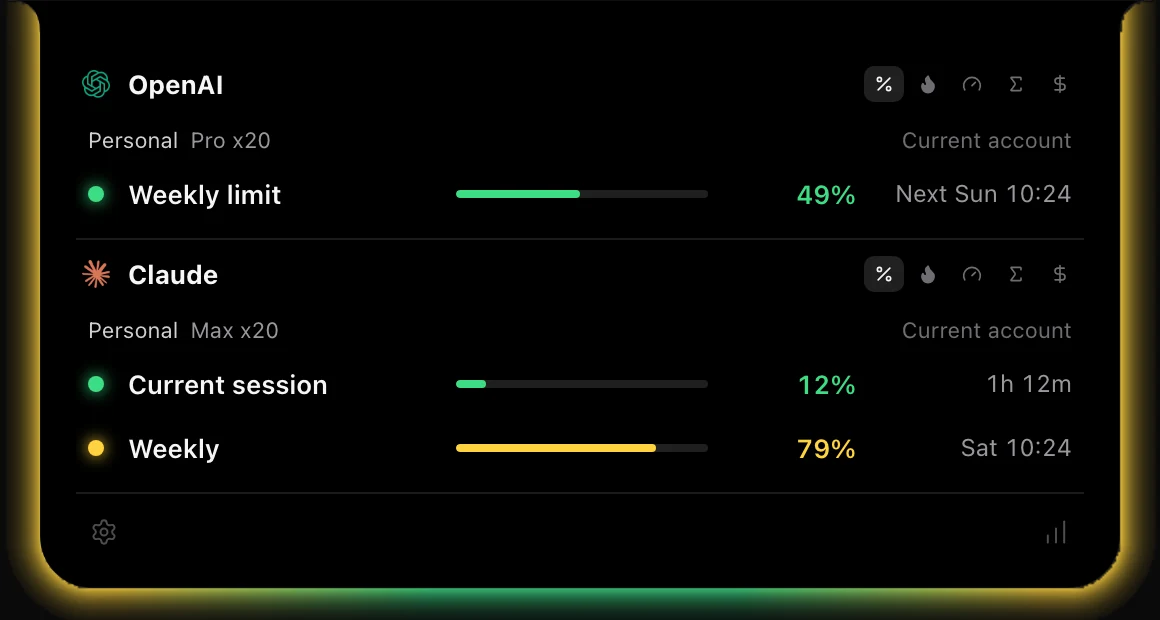
Instead of setting each switch yourself, you can tell an agent how you want the HUD: "Put Codex first and keep only the numbers I care about." Turn on Let agents arrange the HUD in Settings → Agent plugins, and an agent with Agent HUD's HUD tools can rearrange the panel and restyle the HUD on any display.
A change shows at once and stays a draft until you press Save in the panel. Discard drops it, and a draft left unsaved is dropped when Agent HUD restarts. See Built-in MCP.
Last updated