Agent HUD Remote
Agent HUD Remote connects iPhone and Apple Watch to your Mac on any network through your own iCloud, with conversations, decisions and alerts.
Agent HUD Remote is the only paid feature. Through your own iCloud, it keeps your iPhone and Apple Watch connected to the Agent HUD release on your Mac on any network, and lets you read your agents' conversations, answer their requests and message them while you are away. Everything you do on the Mac itself, answering requests on the HUD included, needs no subscription.
What Remote adds
On the same network as the Mac, iPhone and Apple Watch show its quotas, token statistics and sessions without a subscription. Remote adds:
- Any network: your quotas, token statistics and sessions, away from home too.
- Conversations: read Claude Code, Codex, Antigravity and DeepSeek Harness sessions, and message Claude Code and Codex.
- Decisions: allow or deny a tool call, answer a question, approve a plan.
- Your wrist: an idea you say becomes a new session on your Mac, and the reply comes back to your watch.
- Alerts and Live Activities: alerts on iPhone and Apple Watch, and your running sessions on the Lock Screen and in the Dynamic Island.
Free and subscription
| iPhone | Apple Watch | |
|---|---|---|
| Quotas, balances and token statistics | ✓ | ✓ |
| Sessions and their tokens | ✓ | ✓ |
| Widgets on the Home Screen, Lock Screen and StandBy | ✓ | — |
| Several Macs | ✓ | ✓ |
| Any network | ★ | ★ |
| Conversations | ★ | ★ |
| Messages to Claude Code and Codex | ★ | ★ |
| A note that becomes a new session | ★ | ★ |
| Tool calls, questions and plans | ★ | ★ |
| Alerts | ★ | ★ |
| Running sessions as Live Activities | ★ | ★ |
✓ Free on the same network as the Mac · ★ Needs Agent HUD Remote · — Not on this device
Which agents take part
| Agent | Read the conversation | Send messages | Requests |
|---|---|---|---|
| Claude Code | ✓ | ✓ | Tool calls, questions and plans |
| Codex | ✓ | ✓ | Tool calls and questions |
| Antigravity | ✓ | — | Tool calls and questions |
| DeepSeek Harness | ✓ | — | Tool calls and questions |
| ZCode | — | — | Tool calls and questions |
| CodeBuddy, WorkBuddy, Qwen Code, Devin CLI, the Qoder builds | — | — | Tool calls |
A request reaches the phone and the watch when it reaches the HUD, so it needs client hooks on the Mac.
Subscribe and turn it on
Subscribe on iPhone
In the Agent HUD app, open Settings → Agent HUD Remote and choose Subscribe. Each plan covers 1, 2 or 3 Macs at once. Prices are on the App Store.
Use the same Apple Account
Sign in to the same Apple Account on the Mac and the iPhone, in system settings.
Turn on Remote on the Mac
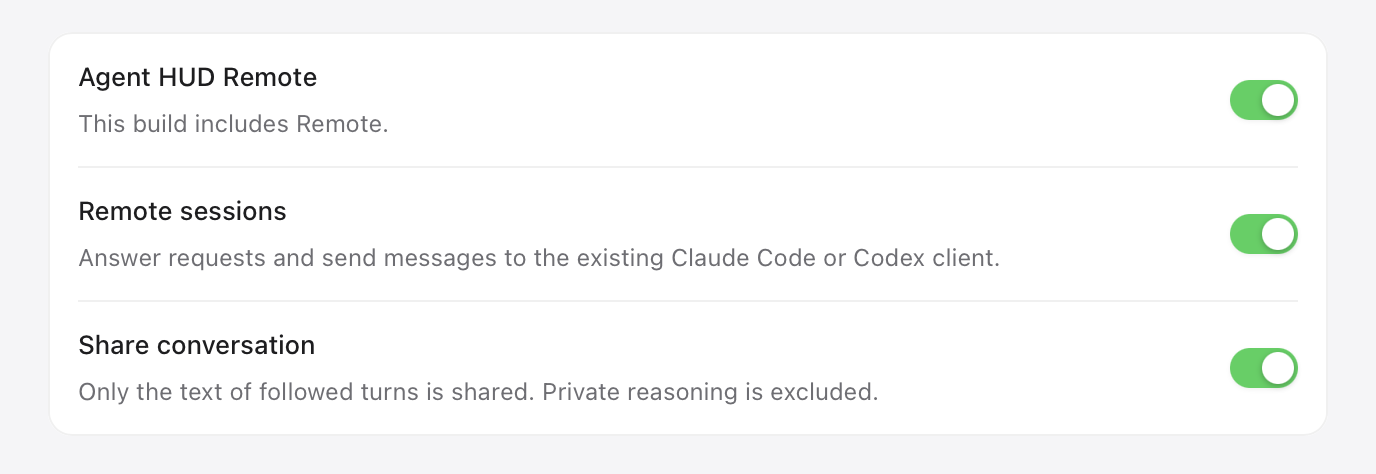
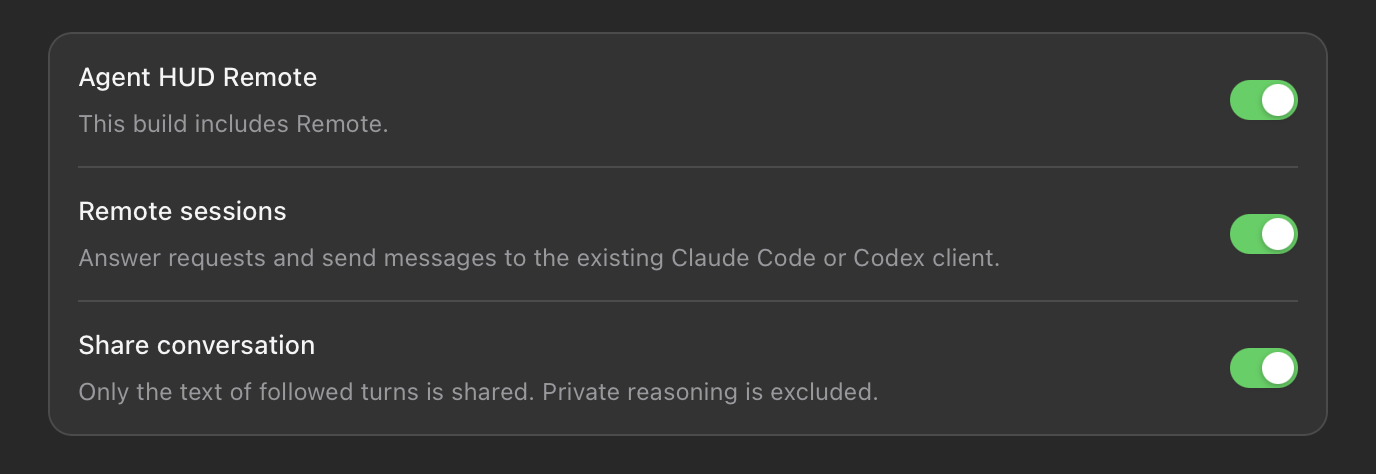
In Agent HUD on the Mac, open Settings → Remote and turn on Agent HUD Remote.
Give this Mac a seat
Open Settings → Subscription. Under App Store, click Use an App Store seat. The subscription is read from iCloud, so it can take a moment to arrive.
Choose what the phone may do
Back in Settings → Remote:
- Share conversation lets the phone read conversations.
- Remote sessions lets the phone answer requests and send messages.
- Under Clients, choose which agents the phone follows.
On the iPhone, Connect your Mac ticks off each step as it sees it done.
What the Mac needs
- The Agent HUD release, from agenthud.app/mac. Remote syncs through iCloud, so it works on macOS only, and a build from source cannot use it.
- A seat in Settings → Subscription. When every seat is in use, remove another Mac from the list there first.
- Agent HUD running. The Mac sends usage and sessions to iCloud about every 30 seconds, and requests and alerts at once.
- Client hooks on in Settings → General, for requests. Codex also needs Agent HUD's hooks trusted in Codex. See Client hooks.
- Agent HUD's plugin for Claude Code, for messages and answers into Claude Code sessions. Install it in Settings → Agent plugins, and keep Send messages on in its row.
Conversations
A session's page has a Conversation entry. It shows your prompts and the agent's visible replies, turn by turn, for the last 7 days. Private reasoning is left out. A session's sub-agents open as conversations of their own, read only.
Requests
A request waiting on the HUD also reaches your phone and your watch, with the command, the path or the lines an edit changes. On iPhone it sits at the top of Home and on its session's page.
| Request | Your answers |
|---|---|
| Tool call | Allow once or Deny |
| Question | One of its options, your own words under Other, or Skip |
| Plan (Claude Code) | Approve, Approve, accept edits, or Keep planning with a note |
The first answer to reach the Mac counts, and the request then leaves every screen. Agent HUD never decides for you: a request nobody answers goes back to the agent after the same wait as on the HUD, 10 minutes unless you change it. See Requests.
Messages and new sessions
Type a message at the bottom of a session's conversation, or say it to Apple Watch. It goes into the session on your Mac as your own words, with no label added.
- Claude Code receives it through Agent HUD's plugin, which holds it until the session is idle, so it never cuts into a running turn.
- Codex starts a turn with it, or adds it to the turn already running.
A recording on iPhone, or a note on Apple Watch, can also start a new Claude Code or Codex session on your Mac, in a task folder of its own. See Apple Watch.
Alerts and Live Activities
Alerts reach iPhone and Apple Watch for a new reply, a quota running low, used up or reset, a usage reset added to a Codex account, and a request waiting for you. Banners are off until you turn them on in the iPhone's Settings → Notifications.
Running sessions appear as Live Activities on the Lock Screen, in the Dynamic Island and in the Apple Watch Smart Stack. See Notifications and Live Activities.
Where your data goes
- Remote syncs through your own iCloud. Record contents are end-to-end encrypted with keys in your iCloud Keychain. Only the text an alert shows stays outside that encryption, so iOS can display it.
- Live Activities pass through Agent HUD's relay to Apple's push service. The relay keeps only what forwarding needs, each Mac's latest sessions and each phone's card, with no account identity, and deletes an account it has not heard from in 30 days.
- Your agents' credentials never go to iCloud, to the phone or to Agent HUD's servers.
See Privacy.
When a subscription ends
The iPhone shows Agent HUD Remote has expired and keeps showing your Macs as they were when it ended, with Renew Agent HUD Remote. A Mac that stopped syncing sends no alerts or requests and takes no messages. Pairing on the same network keeps working without a subscription.
Last updated