Built-in MCP server
Agent HUD's MCP server lets your agents read its data, answer usage questions and reshape the HUD as drafts that only you can save.
Agent HUD has an MCP server built in. Through it, the agents you already use can rearrange and restyle your HUD the way you describe it, answer questions about your usage and sessions from the data the app already holds, and, in the release, message each other. Tell an agent "Put Codex first and keep only the numbers I care about", or ask "Which session used the most tokens this week?".
Everything happens on your Mac and needs no Agent HUD Remote.
What your agents can do
| What it covers | |
|---|---|
| Reshape the HUD | The hover panel's layout: which blocks, rows, accounts and sections show, in what order, as bars, rings, numbers or charts, with what spacing and width. Each display's resting HUD: mode, edge, position, size, glow, appearance and transparency. App settings, such as hover timing, only when you ask for them. |
| Answer usage questions | Tokens by agent, model and period, list-price estimates, one session's usage, sessions past and present, and the hours your agents worked. Answers come from data the app already holds; asking never starts a new read from a vendor. |
| Message each other | In the release: send a message to another agent's session, or start a new one. Only the message goes across, never the conversation. See Agents messaging each other. |
Connect an agent
Allow the tools
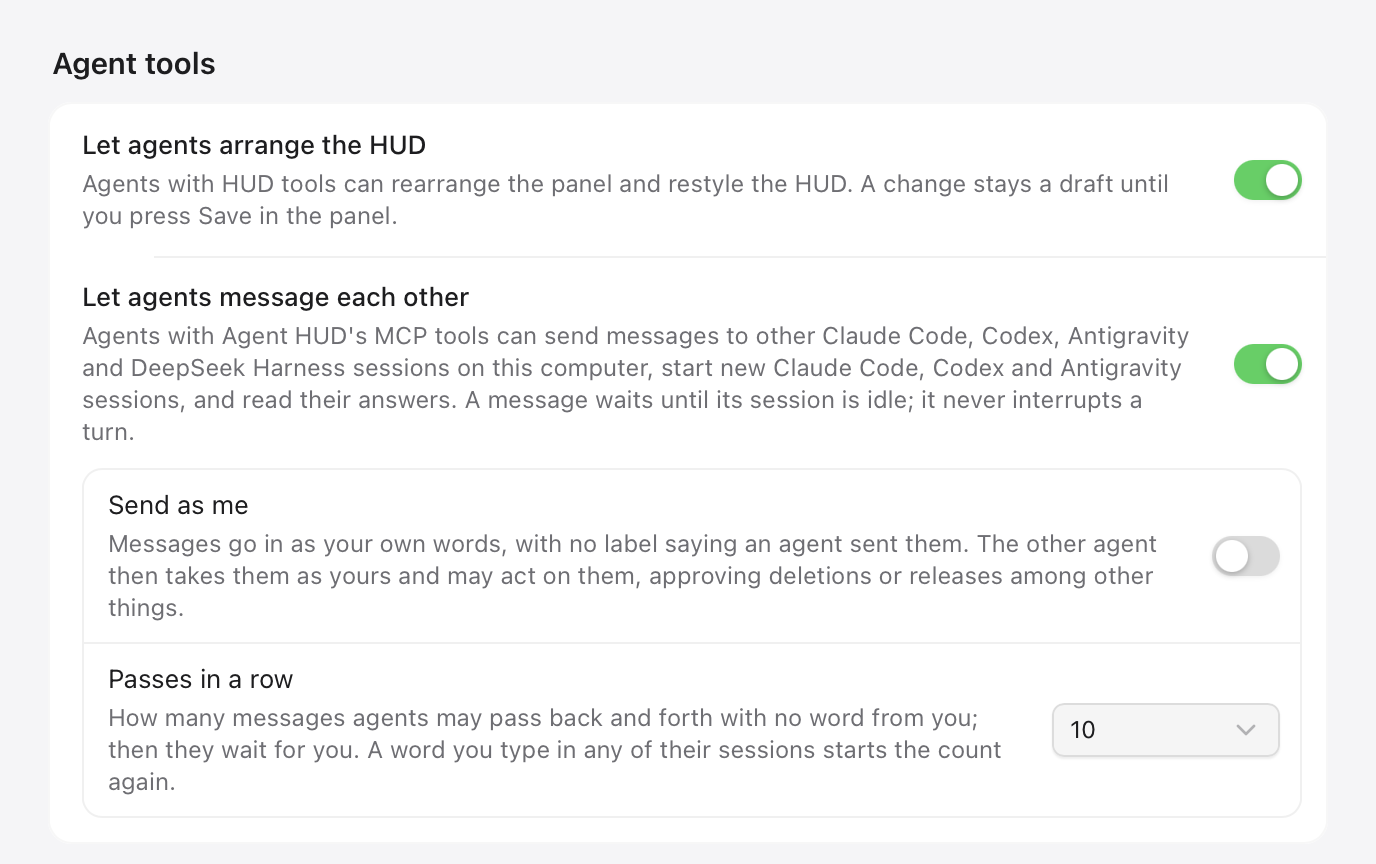
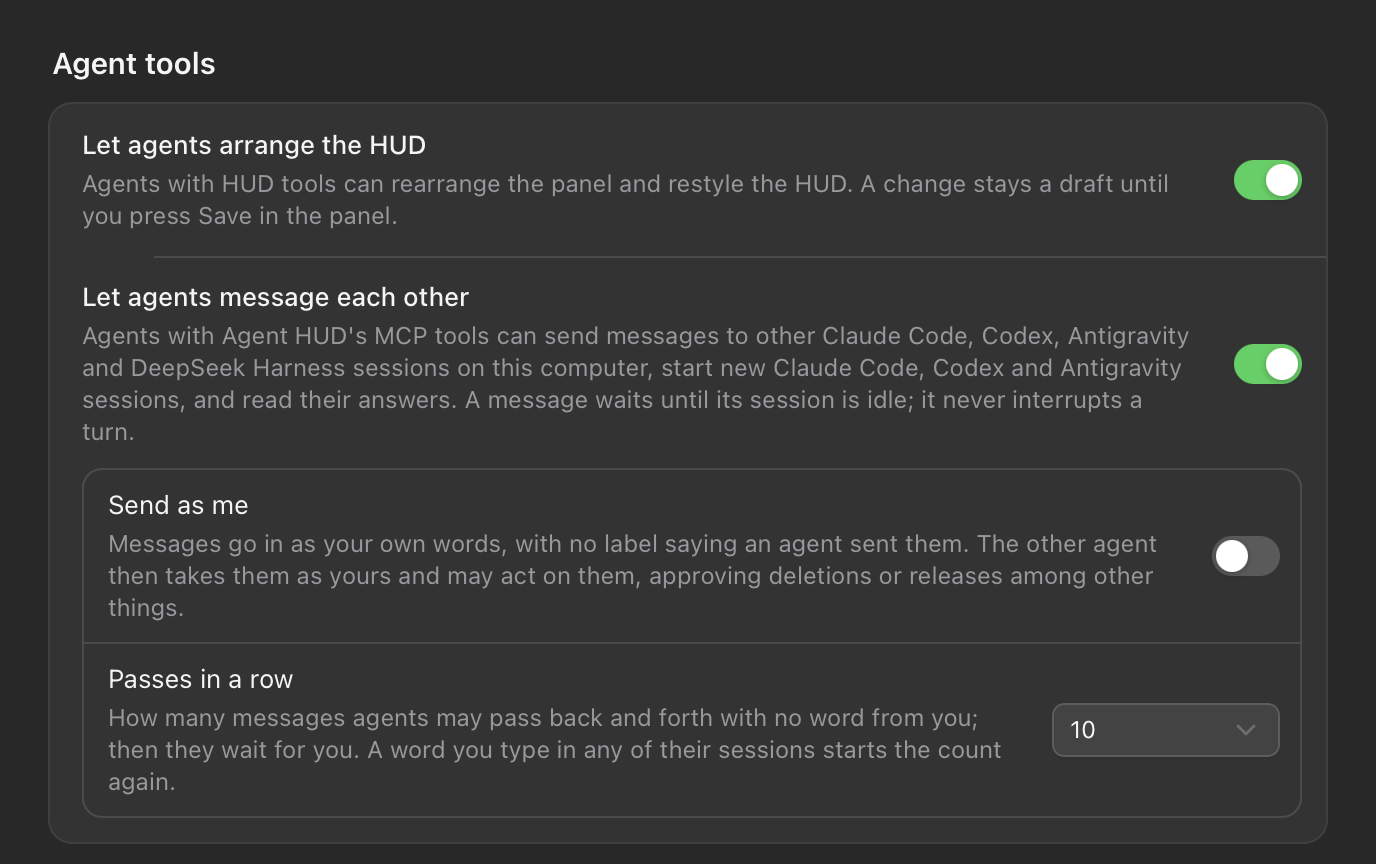
Open Agent HUD's Settings → Agent plugins. Under Agent tools at the bottom, turn on Let agents arrange the HUD. It is off until you turn it on, and it also covers the usage questions: while it is off, every HUD and usage tool refuses.
Add them to your agent
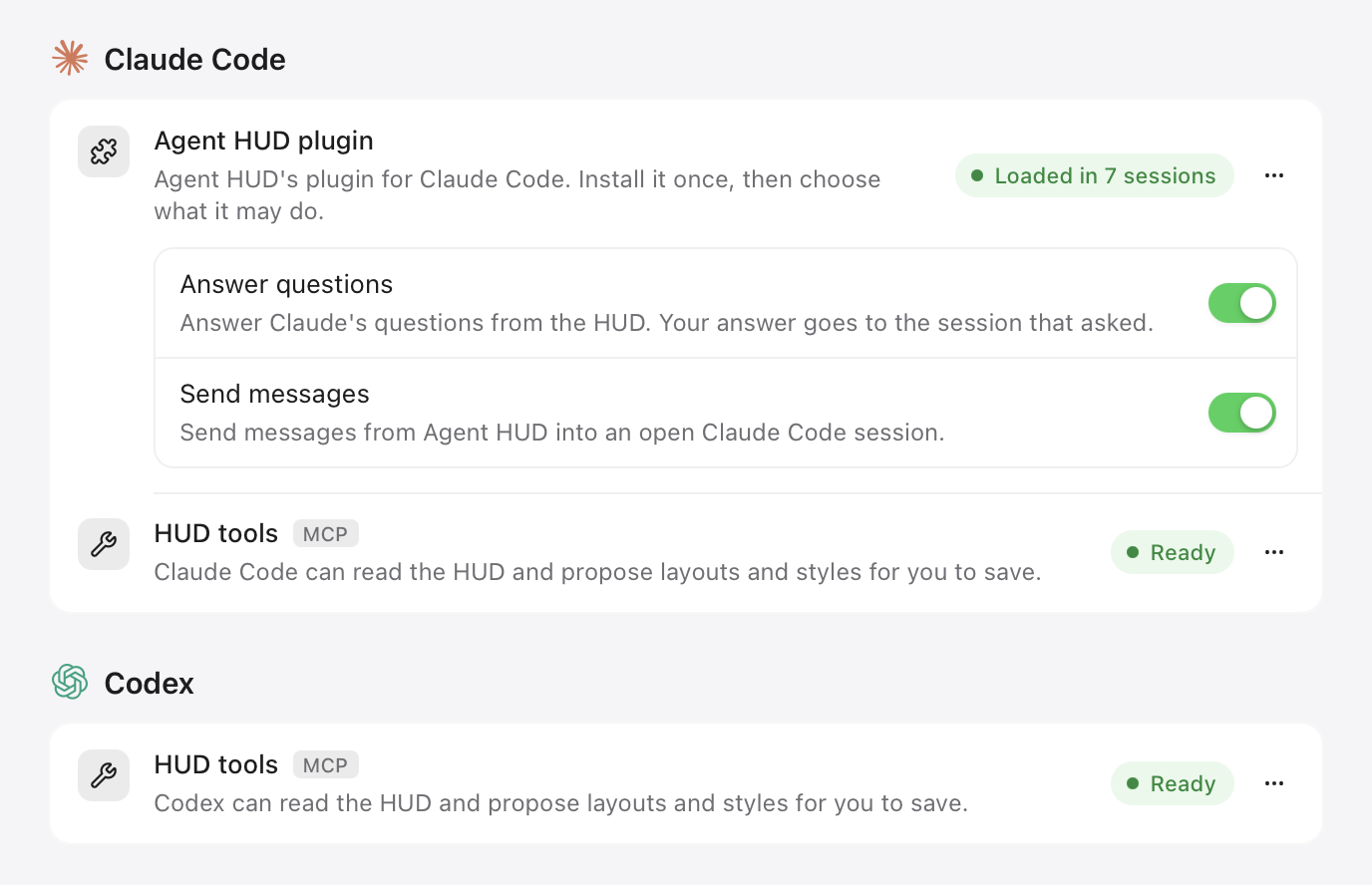
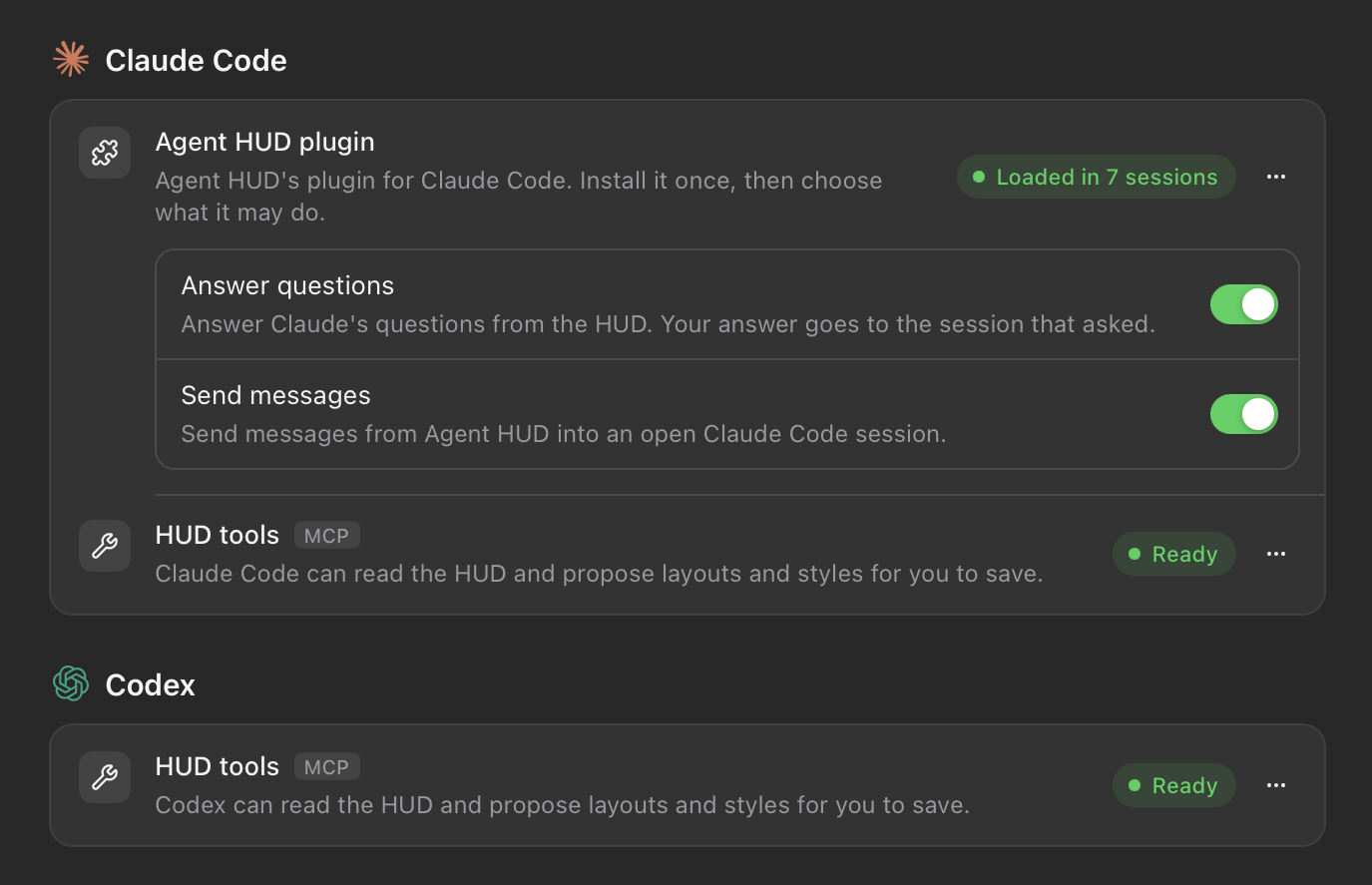
On the card for Claude Code, Codex, Cursor, DeepSeek Harness or Antigravity, find the HUD tools row and click Add. Agent HUD registers its MCP server, named agent-hud, in that agent's settings, together with a skill, customize-agent-hud, that teaches the agent how to use it. The row shows Ready when the agent can use them.
Other MCP clients
For any other agent, use Other agents → Copy settings and paste the settings into that agent's MCP configuration.
Start a new session
An agent loads its tools when a session starts, so a session that was already open does not see them.
Keep Agent HUD in Applications
Only the Agent HUD installed in Applications can add HUD tools to an agent. With a build from source, add the server by hand with Copy settings.
Your agent may show the tools with the server's name in front: Claude Code calls draft_hud as mcp__agent-hud__draft_hud.
Drafts, and how you keep them
An agent never saves a change to your HUD. It proposes a draft, which shows at once:
- The panel marks it Unsaved layout, Unsaved HUD style or Unsaved app settings, with Discard and Save. Hover the HUD and press Save to keep it.
- A draft nobody saves is dropped when Agent HUD restarts.
- While an agent edits the layout, the panel stays open for up to two minutes, even without your pointer. The agent ends the hold when it is done. You end it by taking over: press Escape, move the pointer over the panel and away, open Settings or Statistics, or drag the HUD.
- To undo a saved change, use Revert to Previous or Reset to Default in Settings → Display, under HUD style and Panel layout.
One tool is an exception: hud_set_preference saves the app's appearance (dark, light or system) or animations at once. Agents use it only when you ask for that setting.
Screenshots the agent takes
An agent can check its work with a picture of the panel or of a display's resting HUD. In that picture accounts are masked and session titles left out, and it shows only Agent HUD's own view, never your desktop.
Tools
HUD tools
| Tool | What it does |
|---|---|
get_hud | Reads the hover panel's layout, the displays, each display's HUD style and the app settings, drafts included. |
draft_hud | Proposes a whole panel layout, one display's HUD style, or app settings, as a draft for you to save. |
discard_hud_draft | Drops a display's layout and HUD style draft. |
finish_hud_edit | Ends the edit hold so the panel can close. Drafts still wait for your Save. |
get_hud_screenshot | Renders the hover panel, an agent's own panel or a display's resting HUD, with accounts masked. |
hud_set_preference | Saves the appearance or the animations setting at once, when you ask. |
Usage and sessions
| Tool | What it does |
|---|---|
hud_snapshot | Reads the current snapshot: recent and active sessions, token totals, each agent's status. |
hud_refresh | Reads the latest snapshot the running app has published. It starts no new read. |
hud_sessions | Pages through the sessions the app has indexed, filtered by agent, project, scope or search. |
hud_session | Reads one session's recorded usage, its parent and its sub-agents. |
hud_statistics | Reads usage over a period: by model and agent, list-price estimates, and activity by local hour. |
hud_capabilities | Reads what this build implements. |
Agent messages (release only, listed while Let agents message each other is on)
| Tool | What it does |
|---|---|
list_sessions | Lists the Claude Code, Codex, Antigravity and DeepSeek Harness sessions on this Mac, and which can receive a message. |
send_message | Sends text to another session, or replies to a message received. |
start_session | Starts a new Claude Code, Codex or Antigravity session with a first message. |
get_message | Reads where a sent message stands, and the answer once there is one. |
When a tool refuses
| The agent reports | What to do |
|---|---|
No get_hud or draft_hud tool | Add HUD tools for that agent in Settings → Agent plugins, then start a new session. |
| "Local tools are disabled" | Open Agent HUD, and turn on Let agents arrange the HUD. |
| "Application data is loading" | Agent HUD has just started. The agent waits a few seconds and tries again. |
| A proposal refused with reasons | The panel or the HUD cannot draw it as asked. Nothing changed; the agent adjusts and proposes again. |
Last updated
Apple Watch
Quotas, tokens and recent sessions on your wrist, free from the paired iPhone. With Agent HUD Remote, replies, answers and spoken prompts too.
Agents messaging each other
In the Agent HUD release, Claude Code, Codex, Antigravity and DeepSeek Harness pass each other single messages, never their conversations, over its MCP server.